
Home/WooCommerce
From rug photo to WooCommerce product
Making the photos is half of listing a rug. The other half is uploading them, putting them in order and writing the title, descriptions and SEO fields. With your WooCommerce store connected, Larina does that half too, and nothing is written to your store until you press publish.
Six steps, one rug
Photograph and upload
One phone photo of the whole rug, flat and square-on. The phone photo guide shows how. The photo is checked before anything is charged.
Make the photo set
Choose the shots: clean white, top-down, close-up, ready rooms and generated scenes. See what each kind is on the AI rug photography page.
Review the images
Look at every image at full size. Generated scenes the check could not confirm wait for your approval and are not sent to the store until you give it.
Connect the store once
Two ways. With Larina Connect, our WordPress plugin, you approve the connection in your WordPress admin and WooCommerce makes the key itself, so nothing is copied by hand. The plugin is waiting for review in the WordPress.org plugin directory; until it is listed there, ask us for it. Or create a WooCommerce REST API key with Read/Write permission in your WordPress admin and paste it into Larina. Either way, you can revoke the key at any time.
Review the drafted listing
Title, long and short description and the SEO title, description and focus keyword are drafted from the product. Your own categories and attributes load from the store. Add price, sale price and SKU, and edit anything.
Publish or save as a draft
A new product is created with the gallery in the order you set, the first image as the featured image. Publish it live, or save it as a draft to check in wp-admin first. A product already in your store is handled differently, as described below.
Exactly what lands on the page
For a new product, and for a product Larina made earlier:
- The images, in your order, the first one featured.
- Product title, long description and short description.
- SEO title, meta description and focus keyword, for your SEO plugin to read.
- Your existing categories and attributes. Nothing new is invented.
- Regular price, sale price and SKU, as you enter them.
- Status: live or draft.
Products already in your store
A product Larina made. Publishing the same project again updates that product with what you changed. When you change the chosen images, Larina's earlier images give way to the new set; an image you added in the store yourself stays, after Larina's.
A product your store made. When the SKU you enter belongs to a product the store already has, that product keeps its name, descriptions, price, status, categories and images. Larina only adds its images after the store's own, so your featured image stays; publishing again replaces only the images Larina added.
Other products, orders and settings are not touched.
Your store's REST endpoint has to be reachable from the internet. If your host blocks it, download the files and the drafted text and add them yourself.
The gallery one rug sends
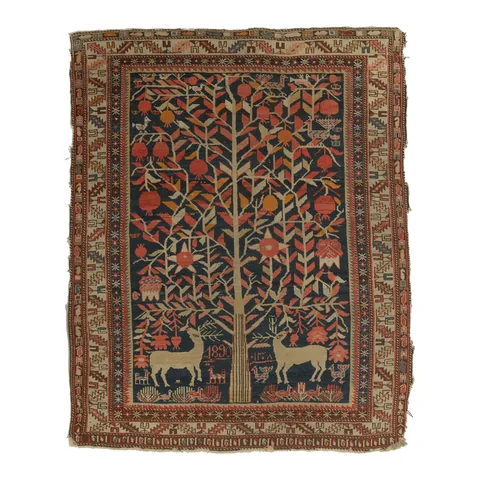
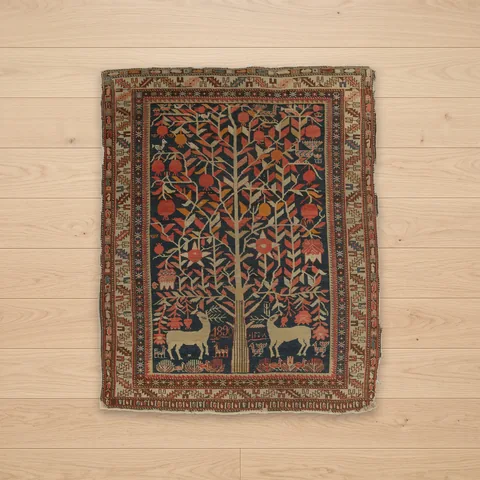
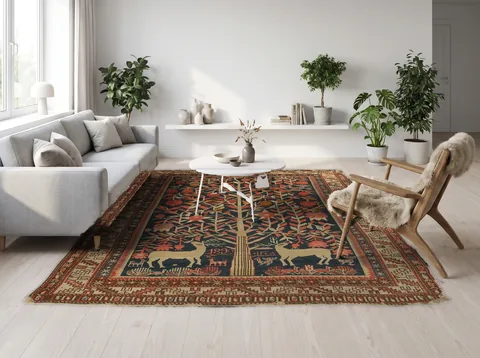
Lead with the images made from your own photo, then the rooms. Buyers compare a listing against the white and close-up shots first. This is the order for a new product; on a product your store made, these images come after the store's own.

Before you connect
What access does Larina need?
A WooCommerce REST API key with Read/Write permission, made for you when you approve Larina Connect, or created by you in your WordPress admin. Larina uses it for your products and their categories and attributes. You can revoke it at any time.
Will it change my existing products?
Only the product you publish. A new project makes a new product, and publishing it again updates that product. If the SKU you enter belongs to a product your store already has, that product keeps its name, descriptions, price, status, categories and images; Larina only adds its images after the store's own. Nothing else in the catalogue is touched.
Is there a plugin?
Yes: Larina Connect for WordPress. It connects the store with one approval in your WordPress admin instead of copying a key. It is waiting for review in the WordPress.org plugin directory; until it is listed there, ask us for it. Without it, a REST API key works the same way for publishing.
Does it work with Shopify or other platforms?
WooCommerce is the platform Larina publishes to end to end today. For any other platform, download the full-size files and the drafted text and add them as you do now.
Do I have to publish live?
No. Save the product as a draft and publish it from wp-admin when you are ready.
Skip the uploading part
Make the photo set of one rug, then connect your store when you are ready to publish.