
Home/Room scenes for rugs
Room scenes for your rugs, from one photo
Shoppers want to see a rug where it will live. Upload one photo of the whole rug, choose the rooms, and Larina sets that rug, at its real size, into styled rooms ready for your product page.
Choose the rooms that sell your rug
Living room, bedroom, dining room, entryway, Scandinavian room, classic interior and outdoor patio. Choose one or several; each room is one photo and one credit.
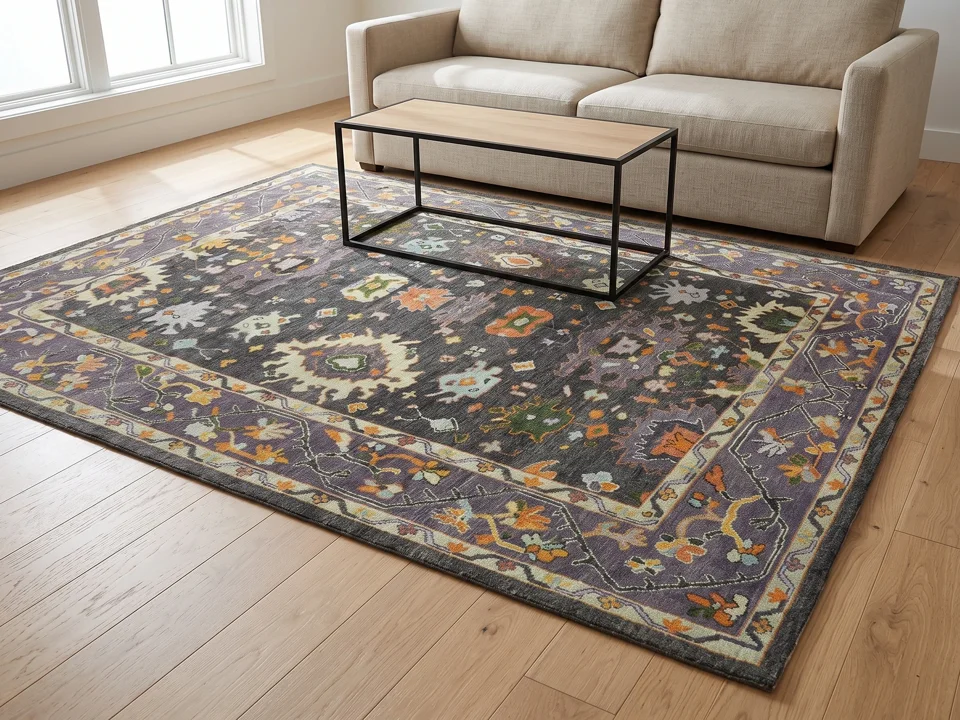
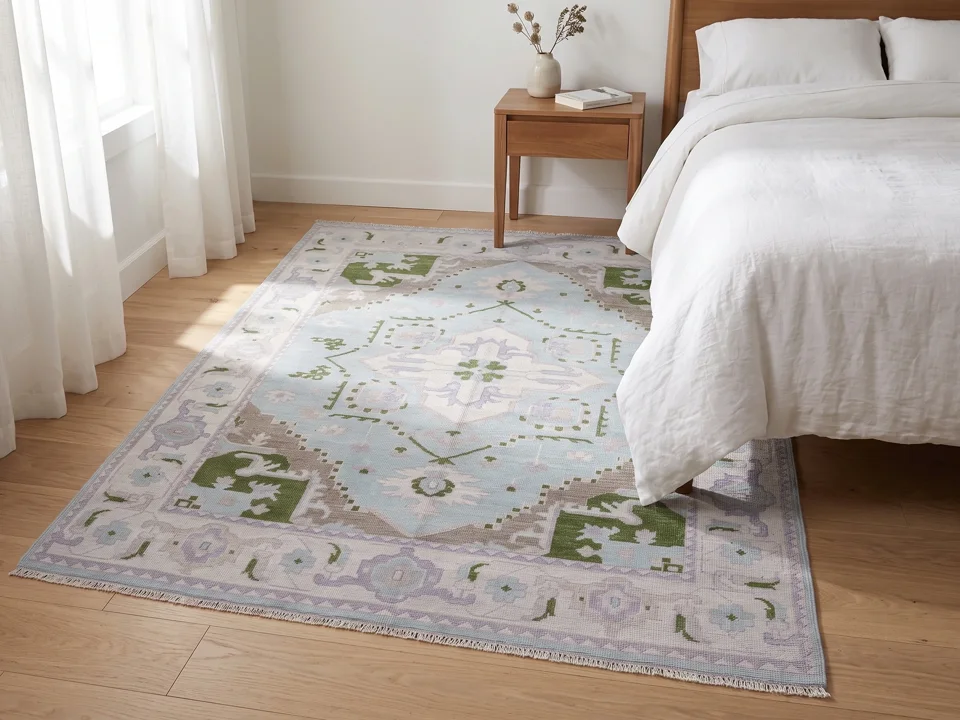
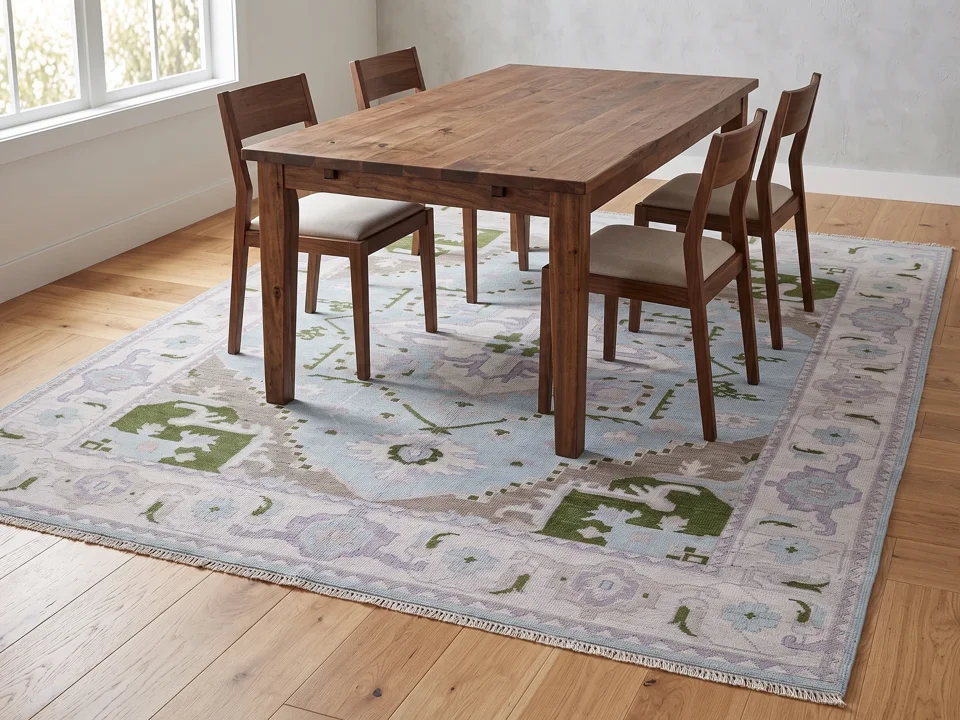
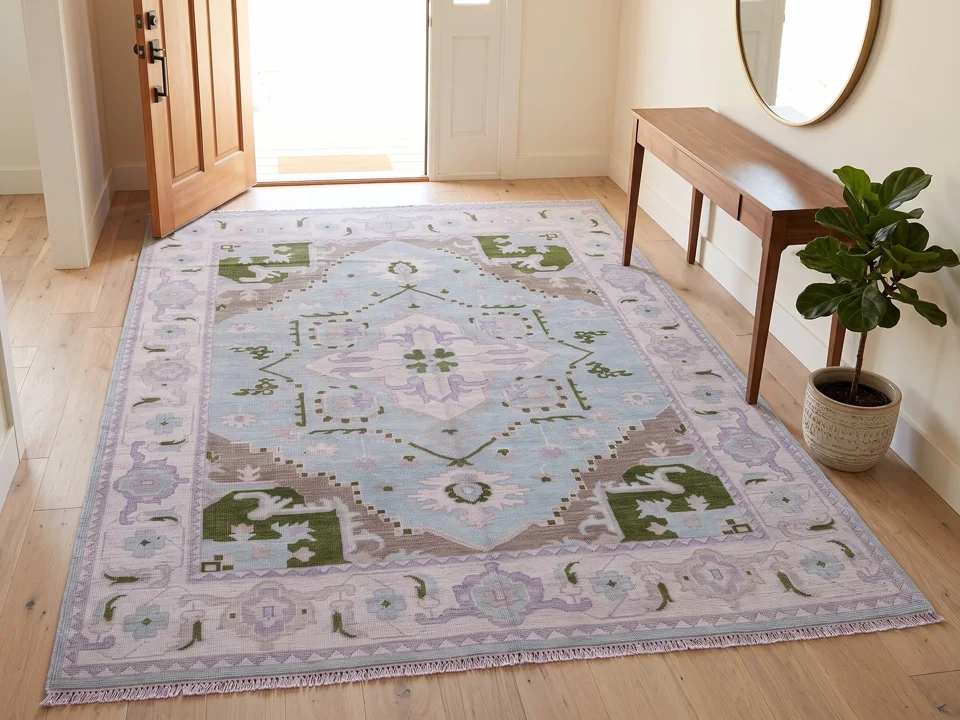
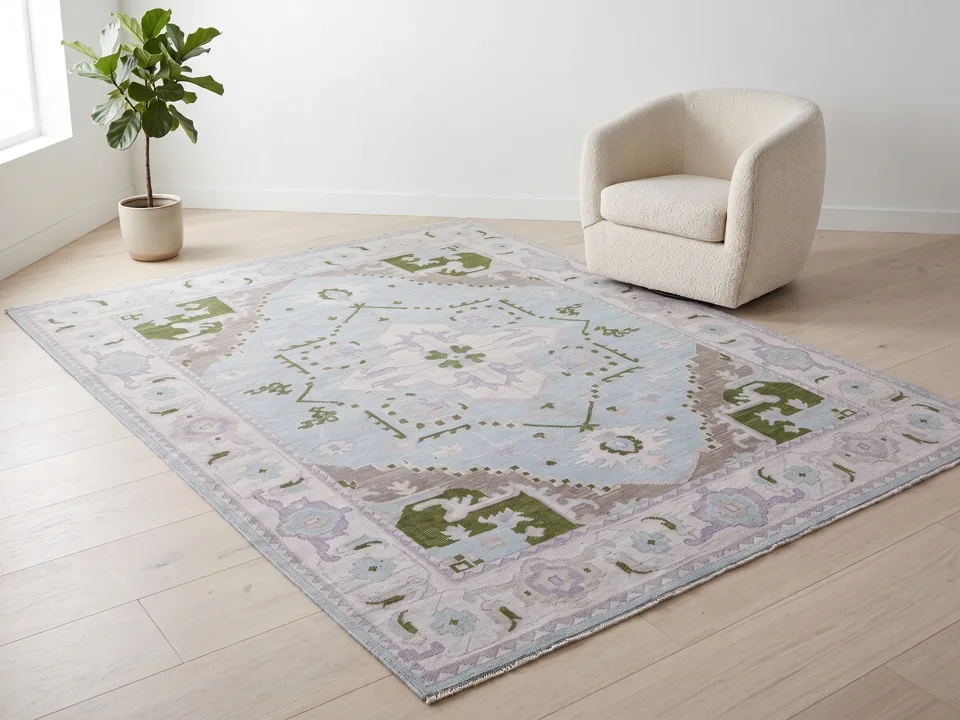
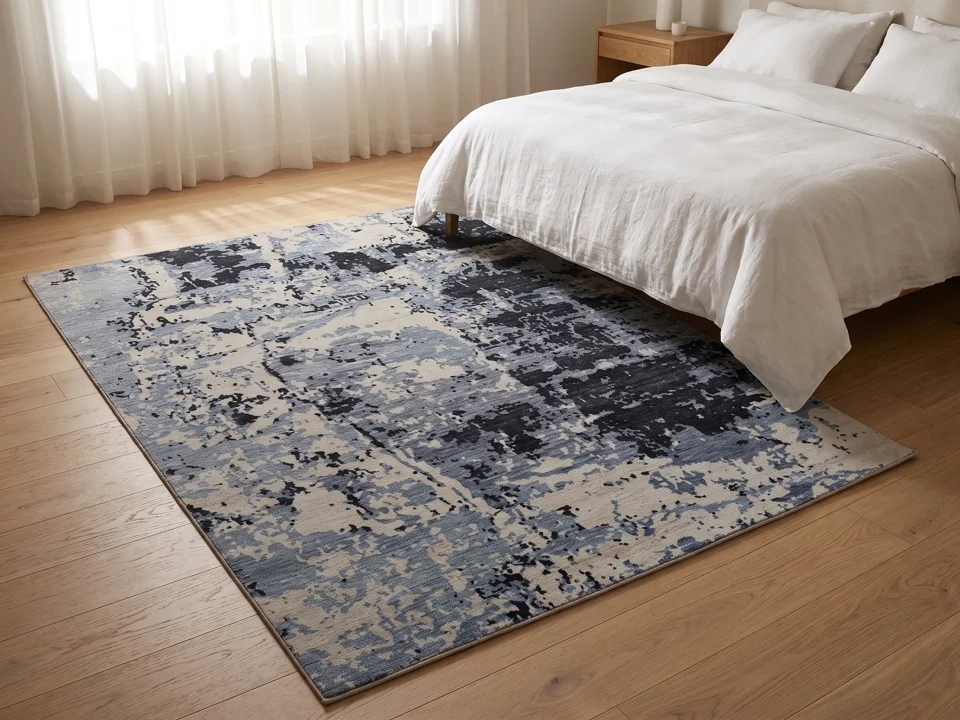
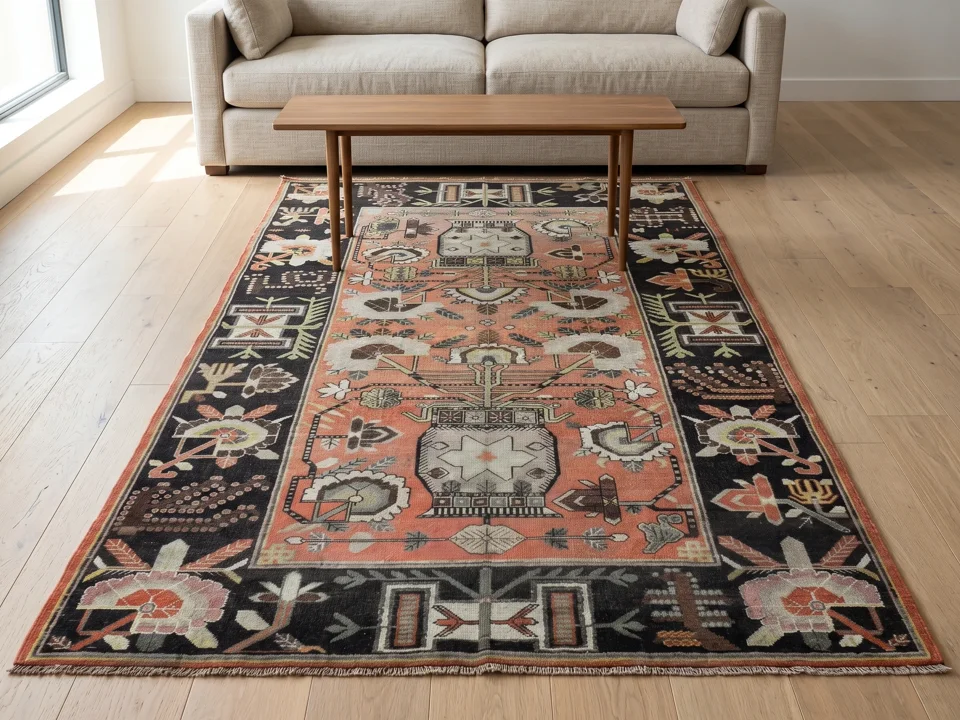
Your rug at its real size, not a guess
You enter the size with the photo, and the room is built around it: a 5 x 8 ft rug never looks like a 9 x 12. The rug keeps its own proportion and is never stretched to fill the floor.
- Standard sizes or the exact size, in feet or centimetres
- Rectangle, round, square and runner
- Every scene checked against your photo; a shot that fails is held back and not charged
- Compare each scene with your own photo before you publish it
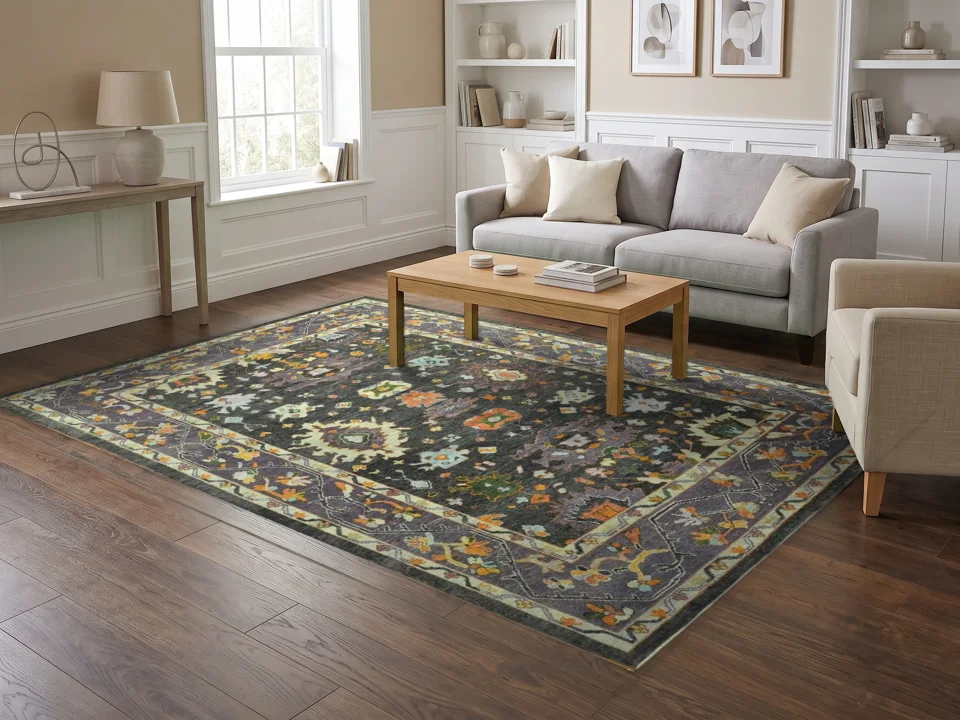
The same room for every rug
Selling a collection? Make one room once and place every rug in it, so your category page looks like one shoot.
Room scenes, answered
How long does a room scene take?
Usually a few minutes after you press Make. You can leave the page; the finished photos wait in your projects.
Does the rug keep its pattern?
The room is generated around your rug from your photo. An automatic check compares each scene with your photo and holds back shots that fail. It cannot yet confirm every motif, so compare each scene with your photo before you publish it.
What photo do I need?
One photo of the whole rug with all four edges in view, ideally from above. The rug photo guide shows what works and what does not.
Can I use the scenes on marketplaces and social media?
Yes. Download PNG, JPG or WEBP, as shot or cropped from square to 9:16, or publish straight to a WooCommerce product.
What does a room scene cost?
One credit per photo. Plans give you credits every month, and a shot that is held back is not charged.
Start with the rug you sell most
Upload one photo of the whole rug, choose your shots, then download or publish. A shot that cannot be made is held back and not charged.