
Home/Rug catalog photography
Catalog photos for every rug, from one upload
A rug listing needs the same set every time: the whole rug on white, the rug from above, the weave up close and a room. Larina makes that set from one photo, so a new arrival can be listed the day it comes in.
What one photo turns into
Every shot below was made from the first photo: an ordinary picture of the rug on a wooden floor.
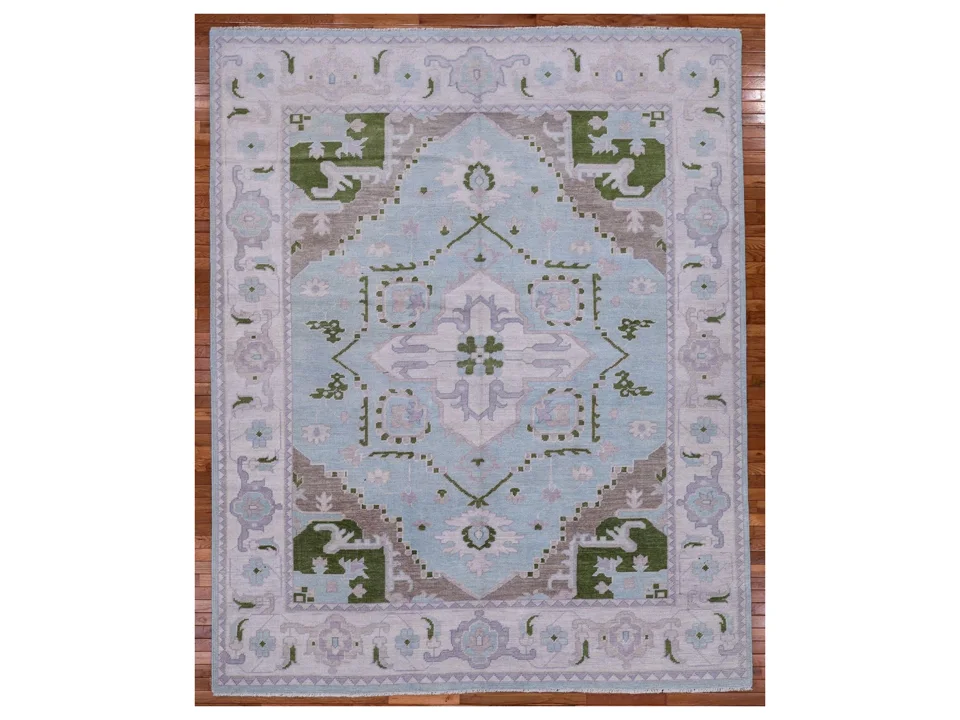
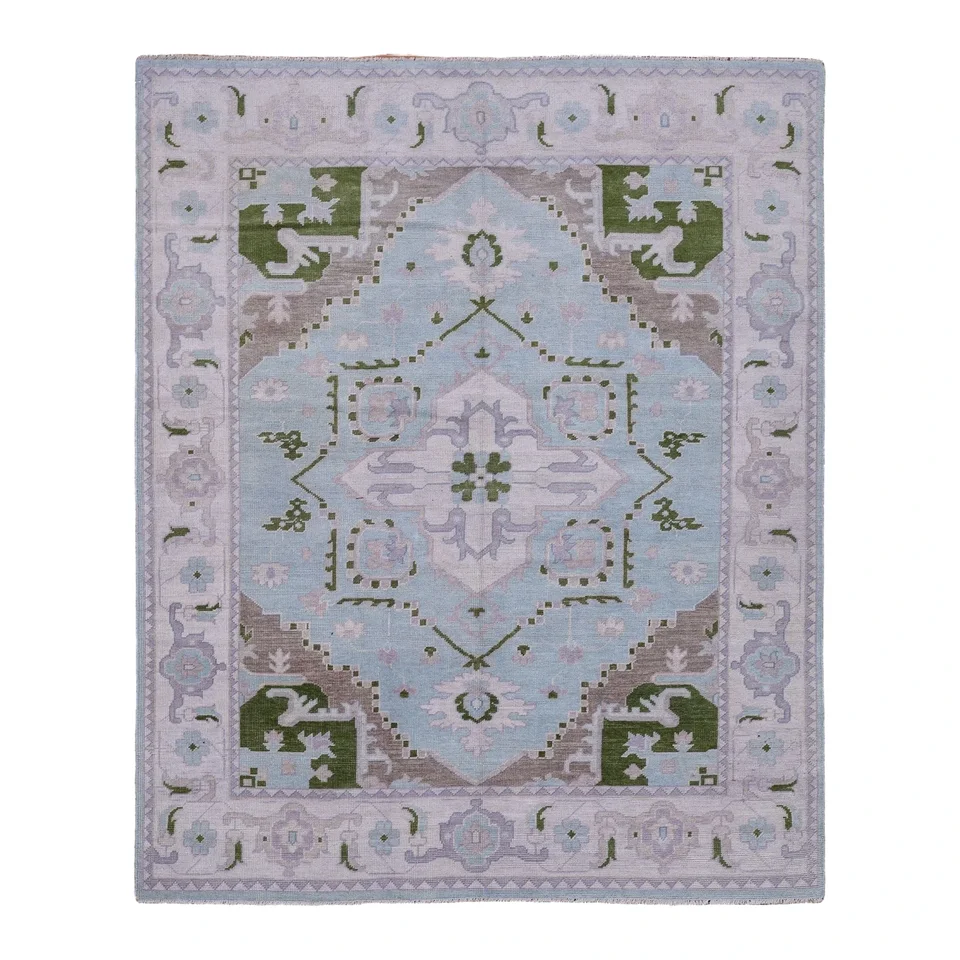
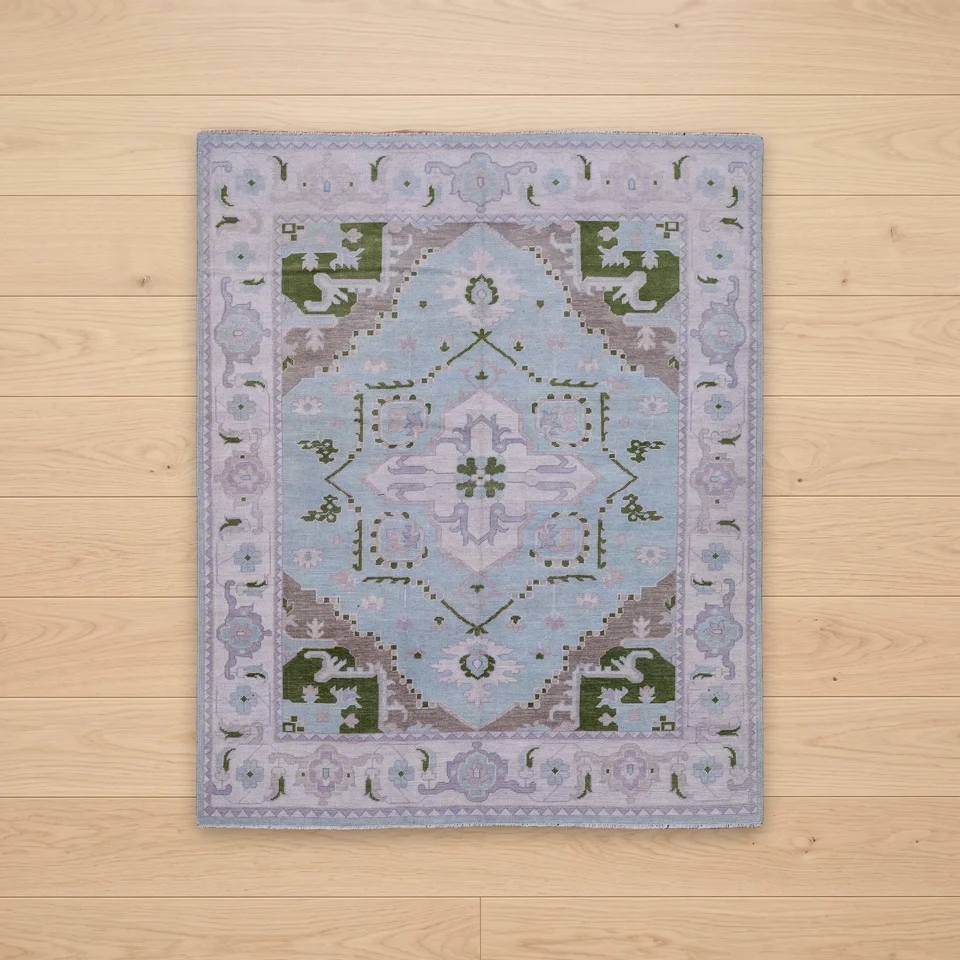
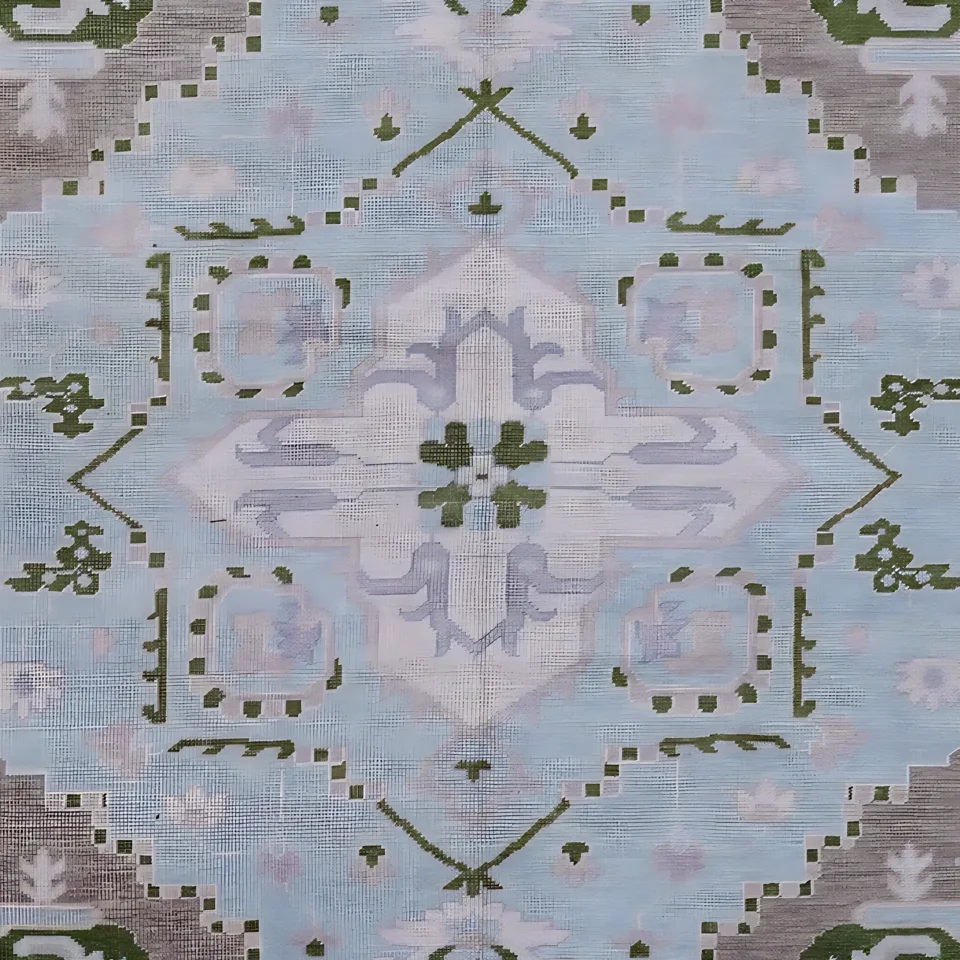
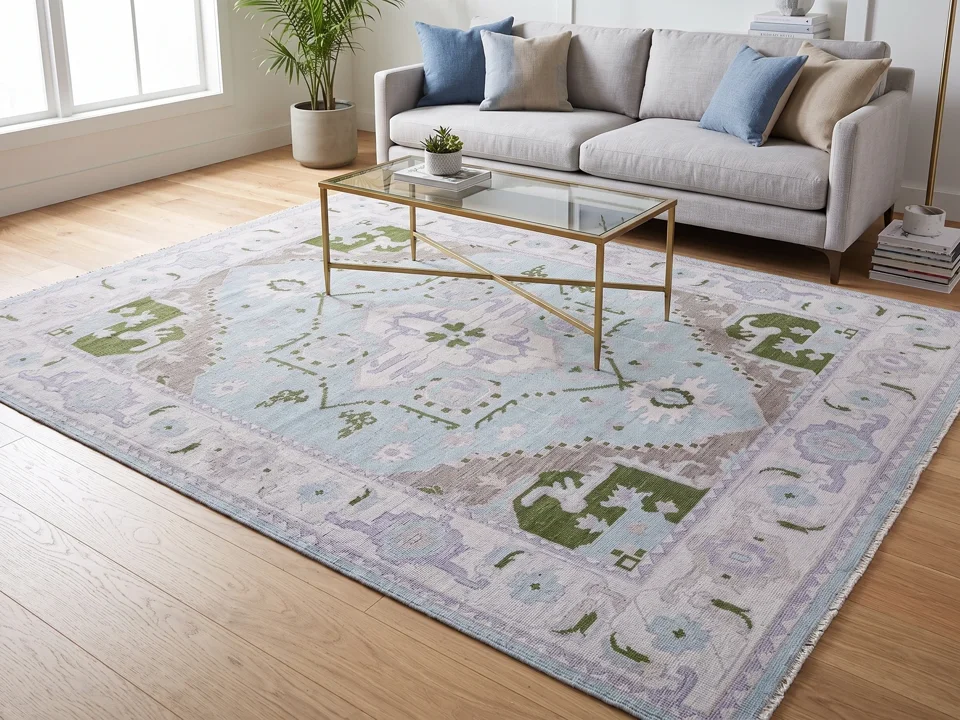
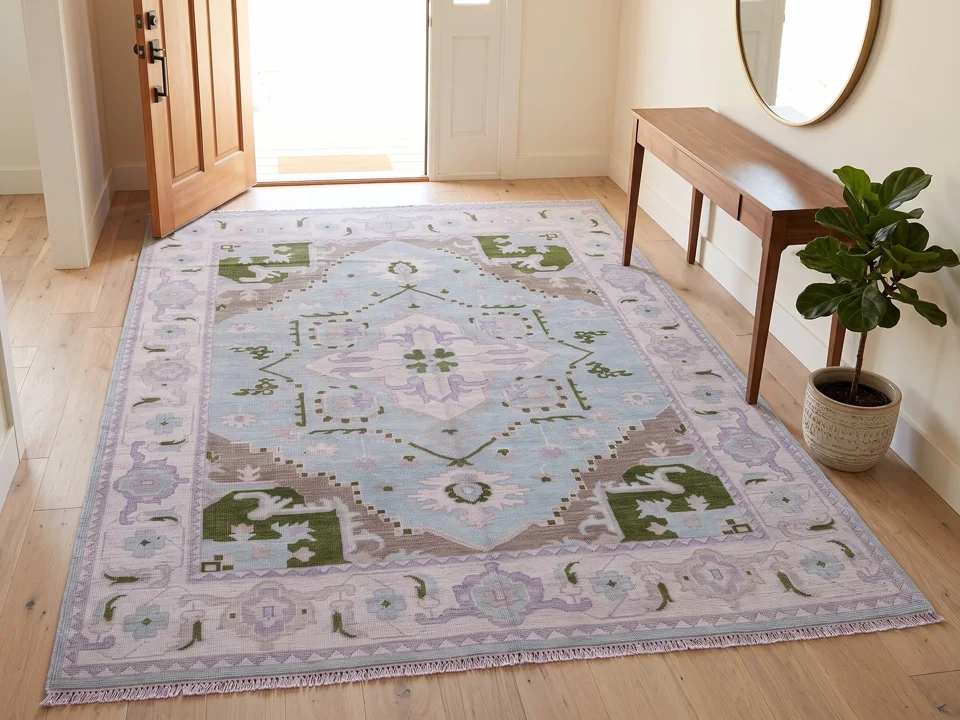
From one photo to a finished listing
- 01
Upload one photo
The whole rug with all four edges, and its size. The photo is checked before anything is charged.
- 02
Choose the shots
Clean white, top-down, close-up and rooms. One credit per photo.
- 03
Download or publish
PNG, JPG or WEBP, as shot or in square, 4:5, 3:4, 2:3, 16:9 or 9:16, or straight to your WooCommerce product.
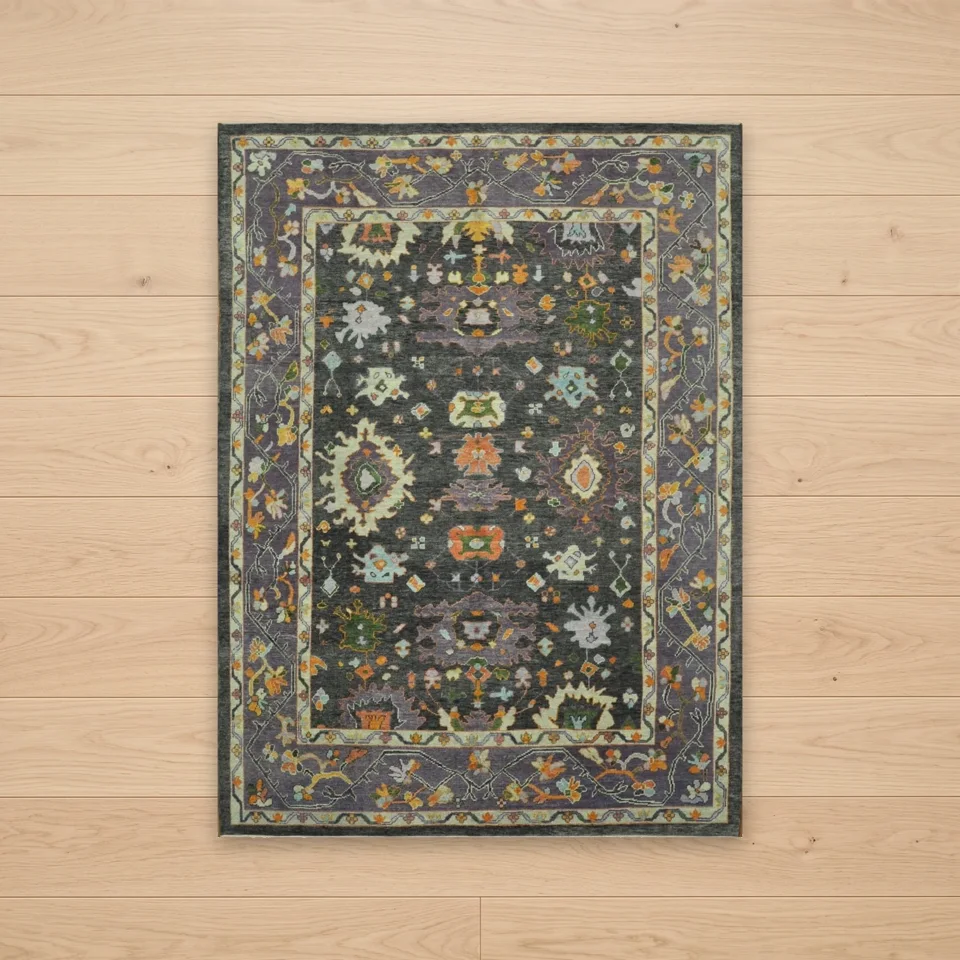
Every listing looks like the same shoot
The same shots for every product, the same white, the same framing. Queue a whole collection with Batch Studio and your catalogue stays consistent from the first rug to the last.
Catalog photos, answered
Is the clean white shot made from my own photo?
Yes. The white and top-down shots come from your own photo: the rug is cut out, straightened and placed, not redrawn.
Which formats can I download?
PNG, JPG or WEBP, as shot or cropped to 1:1, 4:5, 3:4, 2:3, 16:9 or 9:16.
Can the photos go straight to my store?
Yes, to WooCommerce. Connect your store once, then publish a finished set to a product from its project.
What does a catalog set cost?
One credit per photo, so a set of four shots is four credits. A shot that is held back is not charged.
Start with the rug you sell most
Upload one photo of the whole rug, choose your shots, then download or publish. A shot that cannot be made is held back and not charged.