
Home/Batch Studio
Photograph a whole rug collection in one batch
A new delivery is dozens of rugs, not one. Add all their photos at once, choose the shots once, and every rug gets the same set, made one after another while you do something else.
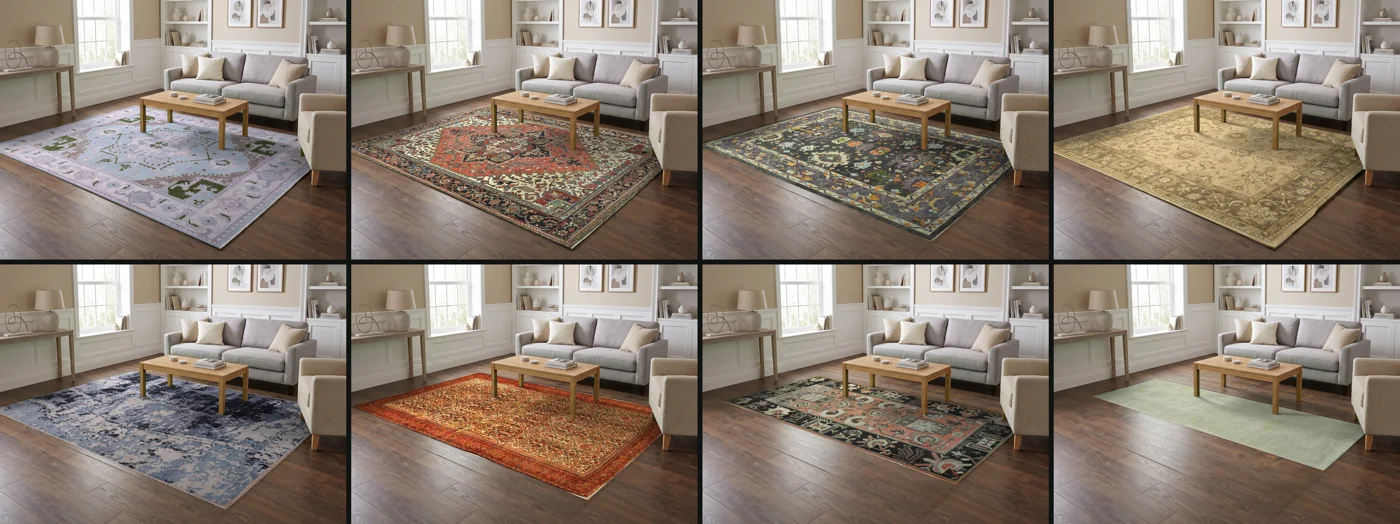
Add the photos, choose once, walk away
- 01
Add the photos
Choose many photos at once. Each file name becomes the product name; change any of them before you start.
- 02
Choose once
One category and one set of shots for the whole batch, so every listing matches.
- 03
See the cost first
The total in credits is shown before you queue. Nothing runs if your credits do not cover it.
- 04
Leave the page
The rugs are made one after another, and the Projects page shows each one as it finishes.
Who can run a batch
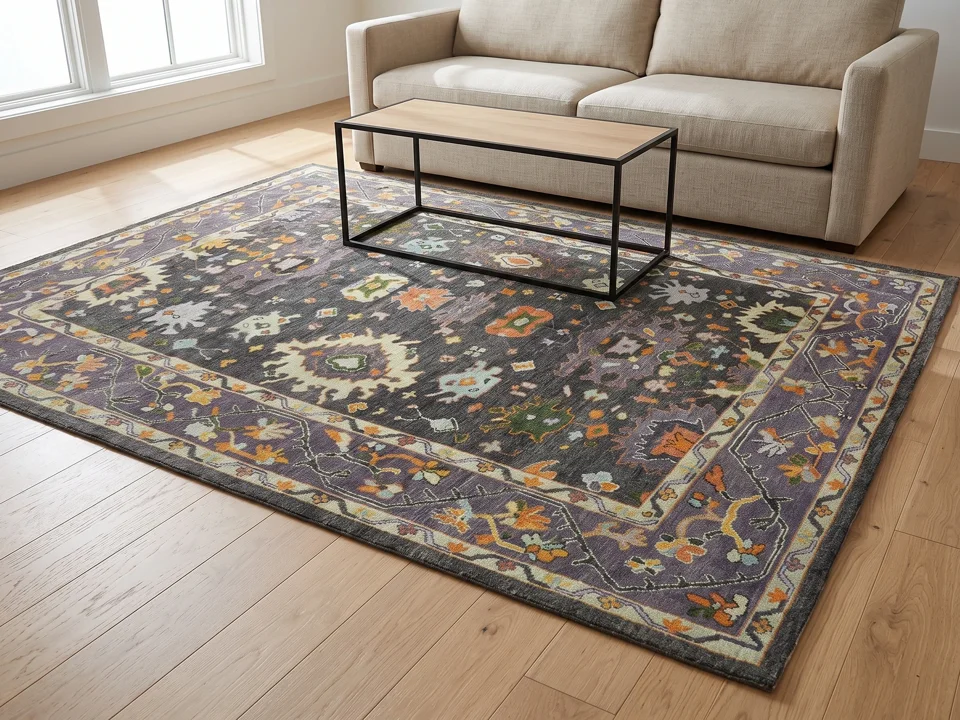
Batches of more than one rug are part of the Pro and Studio plans; one rug at a time works on every account. Your plan sets how many rugs one batch can hold.
Want every rug in one room?
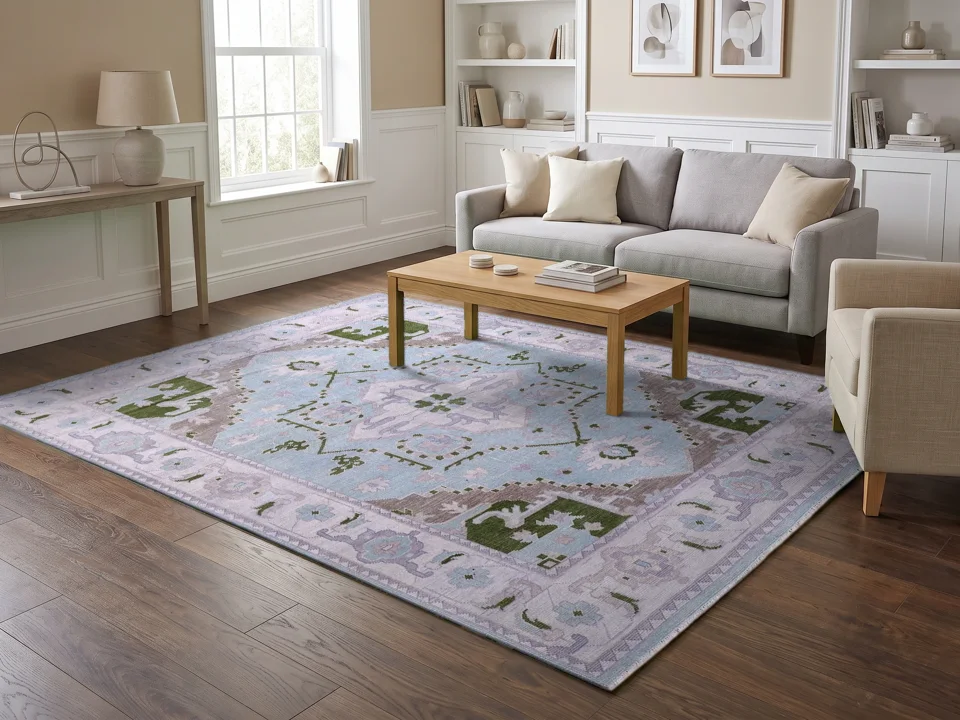
Make one room and place the whole delivery in it: the same light and camera for every rug, each in its own proportion.
Batches, answered
How many rugs fit in one batch?
Your plan sets the limit, and it is shown when you add photos. A larger delivery runs as two batches.
Do all rugs get the same shots?
Yes: one category and one set of shots for the batch, so the listings match.
What if one rug fails?
Each rug is its own project. A shot that cannot be made is held back and its credit returned; the other rugs are not affected.
Can I publish a batch to my store?
Each finished rug can be published to WooCommerce from its project.
Start with the rug you sell most
Upload one photo of the whole rug, choose your shots, then download or publish. A shot that cannot be made is held back and not charged.