
Home/Rug Visualizer
Let shoppers see the rug in a room, at its real size
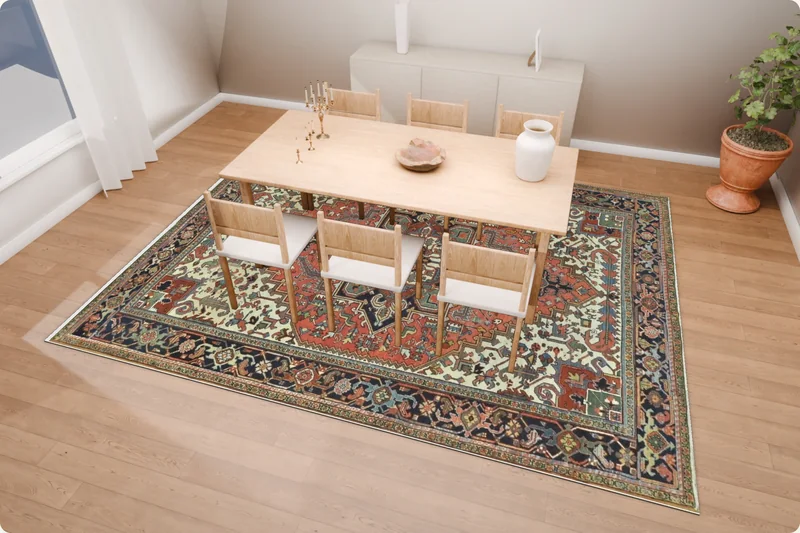
A button on your product page opens the rug in nine prepared rooms built to scale. Shoppers turn it, move it and switch to your other rugs, then go back to the product.
The Rug Visualizer is its own monthly subscription. It does not use or change photo credits, and photo plans do not include it. Looking for product photos? See photo pricing
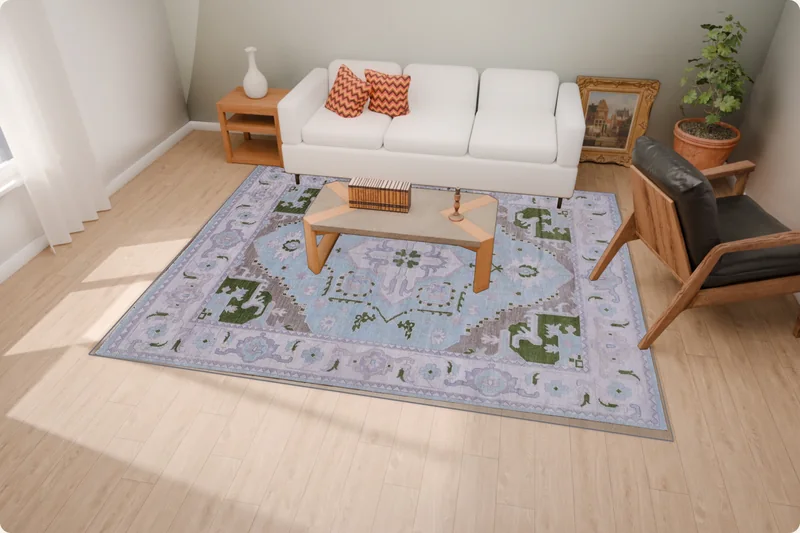
What a shopper sees
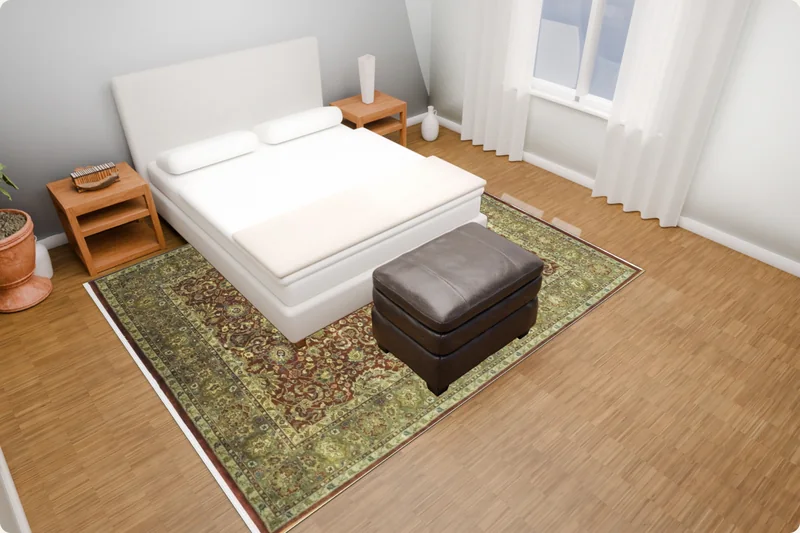
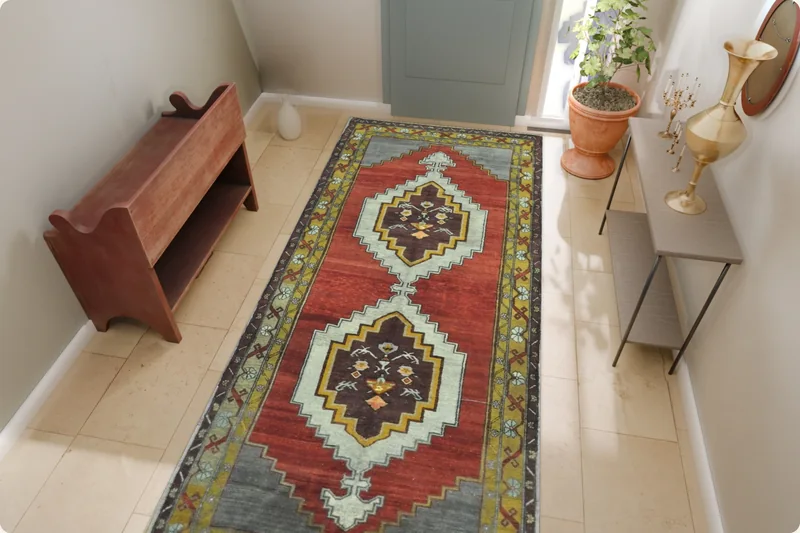
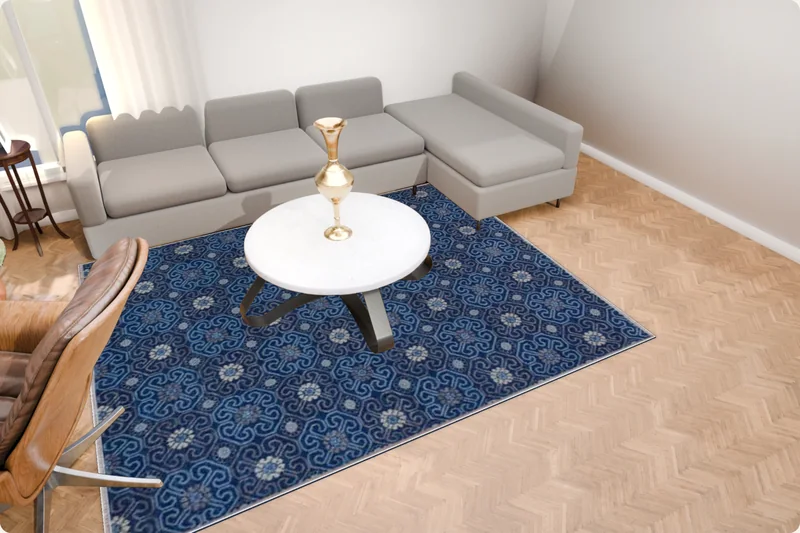
Try it yourself
The same viewer a shopper gets, with rugs from a partner store that uses it today. Nothing loads until you open it.
What it does
Nine prepared rooms
Living rooms, bedroom, dining room, office, kitchen, hallway and entry, modelled in metres so the rug shows at its real size.
Switch rugs in place
Shoppers try the other rugs of your store in the same spot. Placement and turn stay as they were.
Move, turn, compare
Drag, rotate by degrees, centre it, hold to see the room without the rug, and download the picture.
Sizes from your product data
The width and length you enter decide the size on the floor. The picture is never stretched to fit.
The shopper's own room beta
A shopper can try a photo of their own room. The photo is processed in their browser and is not uploaded. The size is an estimate until a distance in the room is measured.
Your pages stay fast
Product pages never wait for Larina. The plugin works from a saved licence that refreshes in the background.
Connect your store in five steps
A WordPress plugin and a one-time code. Your product pages, photos and checkout stay exactly as they are.
WordPress with WooCommerce, and custom-coded sites through the same API. Shopify is not available yet.
What it is, and what it is not
- Sample rooms are 3D models built to scale. They show the rug at its real size in that room, not whether it fits a shopper's home.
- With a shopper's own photo, the size is an estimate until a distance in the room is measured.
- The rug size comes from your product data. Larina does not measure the physical rug.
- Round, oval and irregular rugs are not supported yet.
Cancelling, payments and refunds
- Cancel any time: access continues to the end of the paid month and the plan does not renew.
- Partial months are not refunded. If a refund is issued, access ends when it is issued.
- When a subscription ends, your store, products and settings are kept.
Shopper photos stay on the phone
When a shopper tries their own room, the photo is processed in their browser and is not uploaded.
One rug, one size
The size is the rug size you enter, never a shipping size or a title. The picture is never stretched to fit.
Questions
Does it change my product pages?
No. The plugin adds one button. Your photos, prices and checkout stay as they are, and one switch removes the button again.
Which rugs can be shown?
Rectangular rugs and runners with a flat photo of the whole rug and a real width and length. Round, oval and irregular shapes are not supported yet.
How many rugs can be switched on?
Up to the plan's limit at once, on one store with one main domain. You choose which ones.
Do shoppers need to install anything?
No. The viewer opens in the browser, on a phone as well.
Is a shopper's room photo uploaded?
No. The photo stays in the shopper's browser. The size it shows is an estimate until a distance in the room is measured.
Can I cancel?
Cancel any time: access continues to the end of the paid month and the plan does not renew.
Put the rug in the room
Subscribe in the dashboard, install the plugin, switch on the rugs you want shown. Test it as an administrator before shoppers see it.